Release Notes - 8/17/2026
Summary
This sprint includes updates for the Patient Communication tasks in the work queue and the message count within the Communication tab in AgileEMR.
Improvements to existing features
- After the View Unread Message has been clicked for the Patient Communication tasks in the work queue, the Reviewed and Cancel buttons will maintain their state when another user navigates to the work queue or if the user navigates back to the work queue in a new tab.
-
E.g. User 1 enters the work queue and clicks the View Unread Message button for one of the Patient Communication tasks. User 2 navigates to the work queue and see’s the Reviewed and Cancel buttons for the Patient Communication task that user 1 selected the View Unread Message button for.
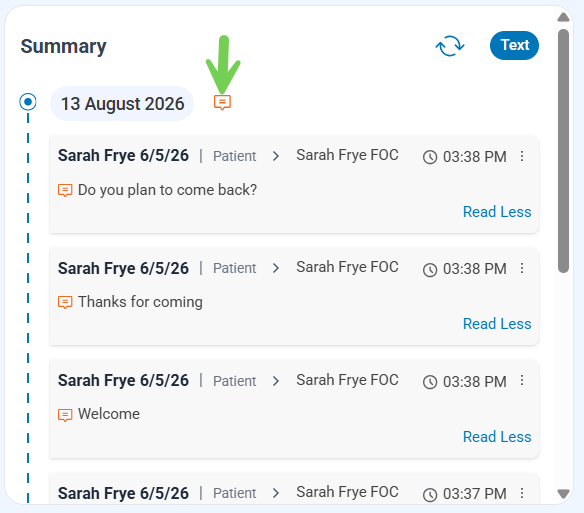
Implement storing Patient Communication tasks in respective time zones. Saving in UTC time previously would cause message service dates to show as the following day as storing this in UTC time adds 5 hours to the date/time.
-
E.g messages that came into the work queue after 9PM EST on , would show with a service date of in the queue when we were saving it in UTC time.
Auto-update of the Red Dot indicating there is an unread message within the Communications tab of the patient’s case.
-
If there is an unread message within the Communications tab a red dot will show next to the message icon indicating a new unread message.
-
If all messages are read within the Communications tab the red dot will not show.
-

